> For the complete documentation index, see [llms.txt](https://ixir.gitbook.io/ixir-docs-1/llms.txt). Markdown versions of documentation pages are available by appending `.md` to page URLs; this page is available as [Markdown](https://ixir.gitbook.io/ixir-docs-1/adim-adim/adim-1-tahsis-allocation-alin.md).
# Adım 1 – Tahsis (Allocation) Alın
$IXIR IDO'ları için tahsis almanın en kolay yolu, $IXIR stake havuzlarından herhangi birinde $IXIR stake etmektir.
### 1. Hesapla
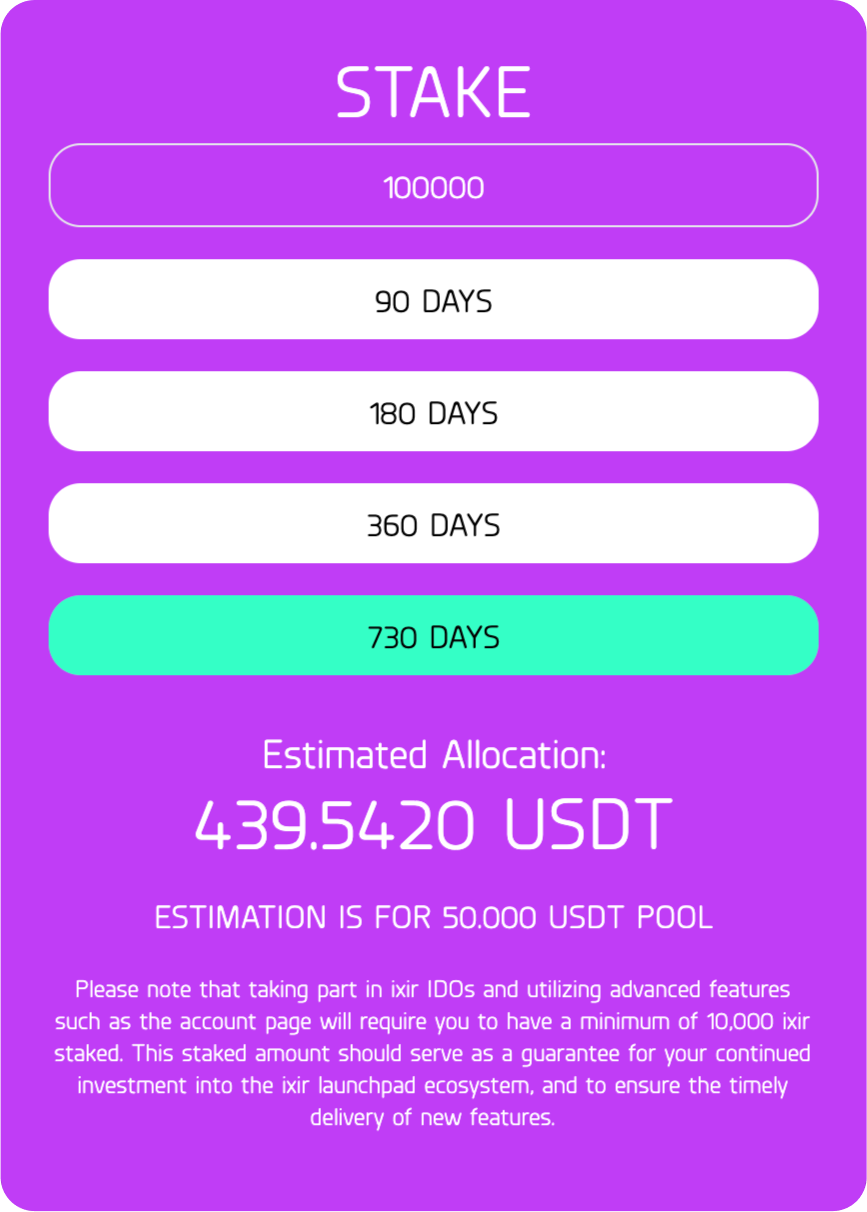
Staking yaparak ne kadar tahsis alabileceğinizi öğrenmek için lütfen stake hesaplayıcımızı kullanın. Güncel bilgileri var.
***
### **2.** $IXIR satın al
Ne kadar $IXIR satın almak ve stake etmek istediğinize karar verdikten sonra, bu IXIR tutarını mevcut piyasaların herhangi birinden satın almanız gerekir.\
[$IXIR satın almanın en kolay yolu Pancakeswap'tir.](https://pancakeswap.finance/swap?inputCurrency=0x55d398326f99059fF775485246999027B3197955\&outputCurrency=0x17179f506B89D80291B581F200F34B17ff172CD3)
IXIR resmi kontrat adresi:
```
0x17179f506B89D80291B581F200F34B17ff172CD3
```
***
### **3.** Stake
Satın aldığınız $IXIR'i stake etmek için öncelikle [IXIR Erişim Kazanma sayfasına](https://ixirpad.com/gainAccess) gidin.
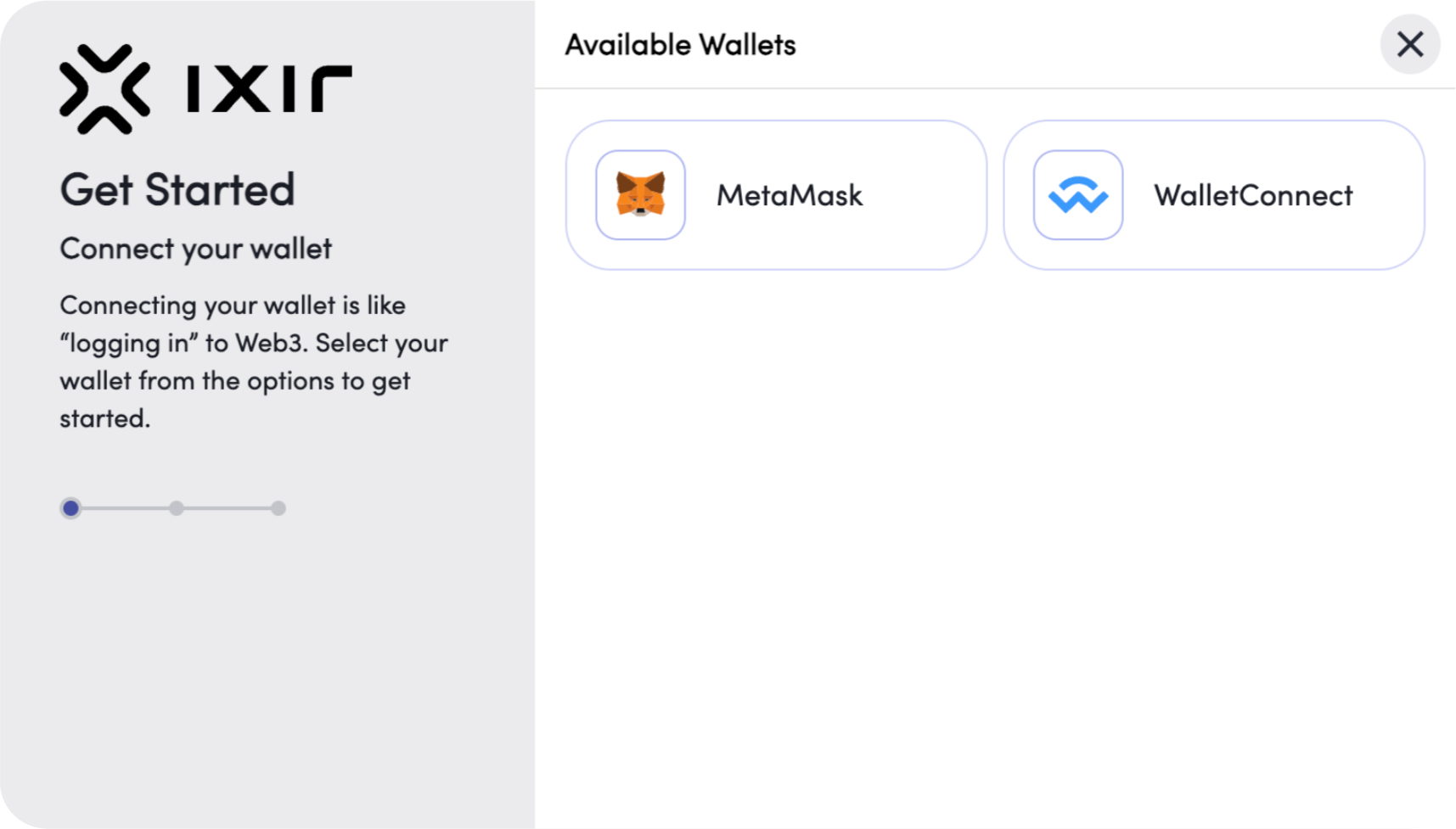
Choose your wallet.
Daha sonra Bağlan butonuna tıklayarak cüzdanınızı bağlayın. Cüzdan türünüzü seçin. Hangi stake havuzuna yatırmak istediğinize karar verin, yatırmak istediğiniz $IXIR tutarını girin.
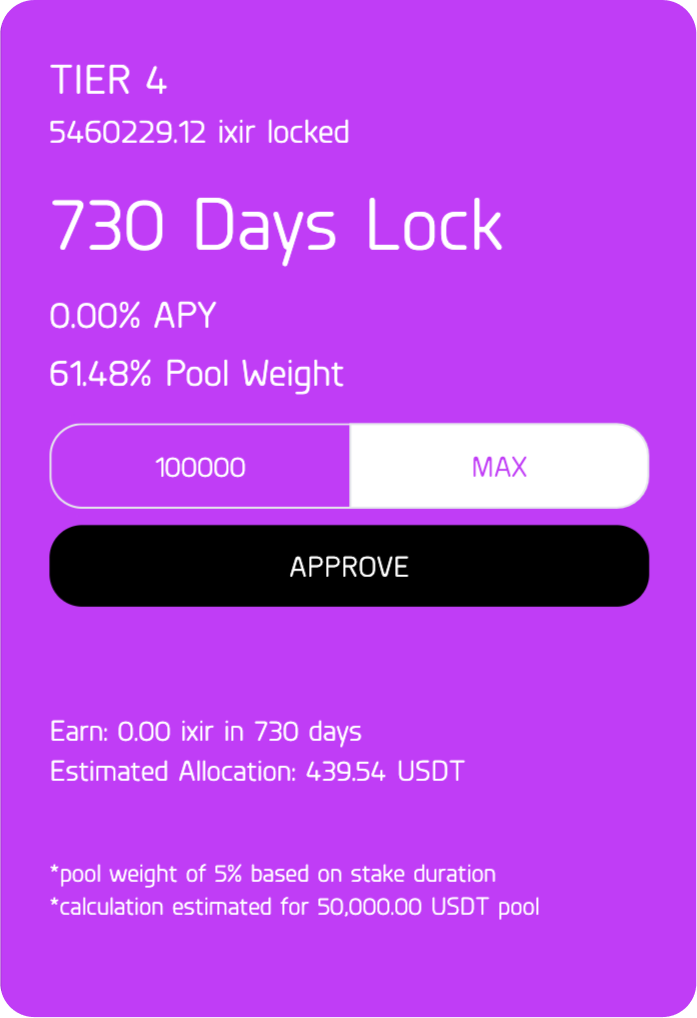
Approve tuşuna basın ve Approve işlemini cüzdanınızdan onaylayın.
Onayladıktan sonra sayfanın sağ üst köşesinde bu mesajı göreceksiniz.
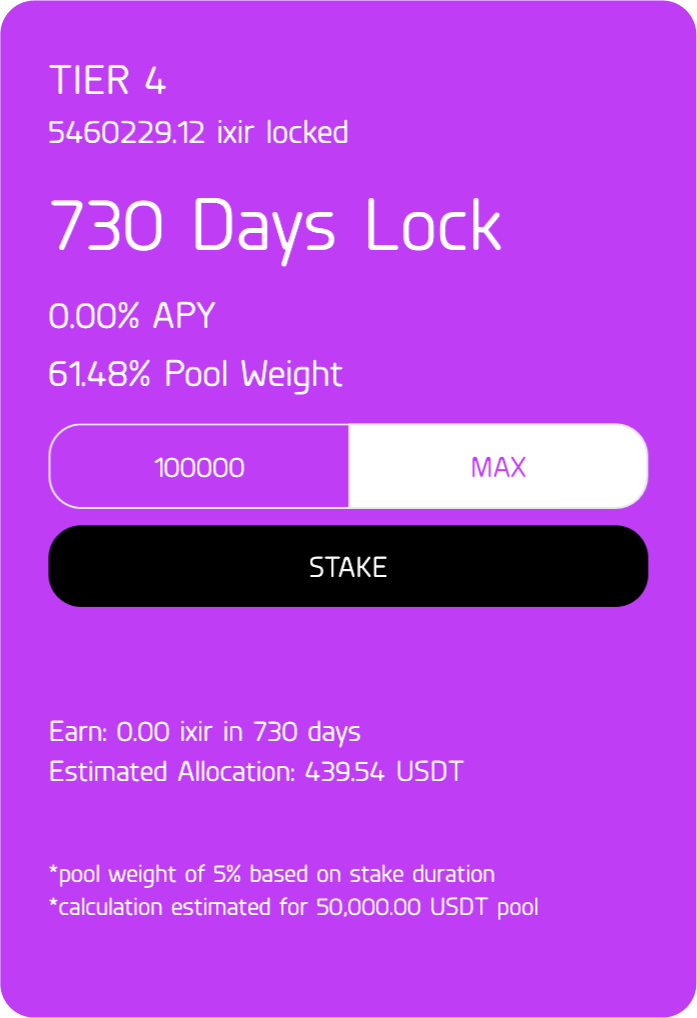
Onay işlemi bittikten sonra STAKE tuşuna basın.
$IXIR'lerinizi stake ettikten sonra sayfanın sağ üst köşesinde bu mesajı göreceksiniz.
Tebrikler! $IXIR'lerinizi stake ettiniz ve artık IDO'lara yatırım yapabilirsiniz.
{% hint style="danger" %}
Tahsis (Allocation) almaya hak kazanmak için en az 10.000 $IXIR yatırmanız gerekir.
{% endhint %}
{% hint style="info" %}
[Daha yüksek miktarlarda $IXIR stake etmek, Community Pass hakkı almanıza olanak tanır. (NOT: ](/ixir-docs-1/community-pass-hakki-nasil-kazanilir.md)[Community Pass](/ixir-docs-1/community-pass-hakki-nasil-kazanilir.md)[ İDO başlamadan ](/ixir-docs-1/community-pass-hakki-nasil-kazanilir.md)[ö](/ixir-docs-1/community-pass-hakki-nasil-kazanilir.md)[nce gönderilir)](/ixir-docs-1/community-pass-hakki-nasil-kazanilir.md)
{% endhint %}
{% hint style="info" %}
[IXIR IDO'lara risksiz katılarak nasıl kazanabileceğinizi öğrenin.](/ixir-docs-1/ixir-bonuslari-nelerdir.md)
{% endhint %}